
Freeview costs nothing each month. An IPTV subscription costs money. So the real IPTV vs Freeview question is not which one is “better”. It is what the extra money would actually buy in your home, and whether you would miss the aerial if you stopped using it.
This guide puts the two side by side: how each one reaches your television, what you need to install, what each costs, and where Freely, the free broadband service from the organisation behind Freeview, sits between them. We run British IPTV Sub, a UK IPTV subscription service, so we have an interest in the answer. That is why every Freeview and Freely fact below comes from their own websites, and every price of ours comes from our pricing page as checked on 3 November 2026.
The short version first: for many homes the IPTV vs Freeview choice is not either-or. The aerial can stay plugged in while a subscription adds what Freeview does not carry.
IPTV vs Freeview: Two Different Pipes Into the Same Screen
Freeview is digital terrestrial television. Programmes travel from transmitter masts to the aerial on your roof or in your loft, down a coaxial cable and into the tuner inside your TV or recorder. Live Freeview channels never pass through your broadband.
IPTV, short for internet protocol television, sends television over an internet connection instead. With a paid IPTV subscription, channels arrive as data through your router, and an app on a smart TV, streaming stick or box turns that data into pictures. No aerial is involved.
That single difference explains most of what follows in the IPTV vs Freeview comparison:
- What can go wrong. Freeview suffers when the signal is weak or the aerial is damaged. IPTV suffers when the broadband line or the home Wi-Fi is congested.
- What you install. Freeview needs an aerial in good condition. IPTV needs a reasonable broadband speed and a compatible player app.
- What you pay. Freeview has no subscription. An IPTV service charges for a plan length and a number of devices.
The word “IPTV” also covers services you may already use. BBC iPlayer’s live channels, Freely and the streaming versions of pay-TV boxes all deliver television over broadband. When people search for IPTV vs Freeview, though, they usually mean a paid subscription watched through a player app, and that is what this guide compares.
What Freeview Gives You for Nothing
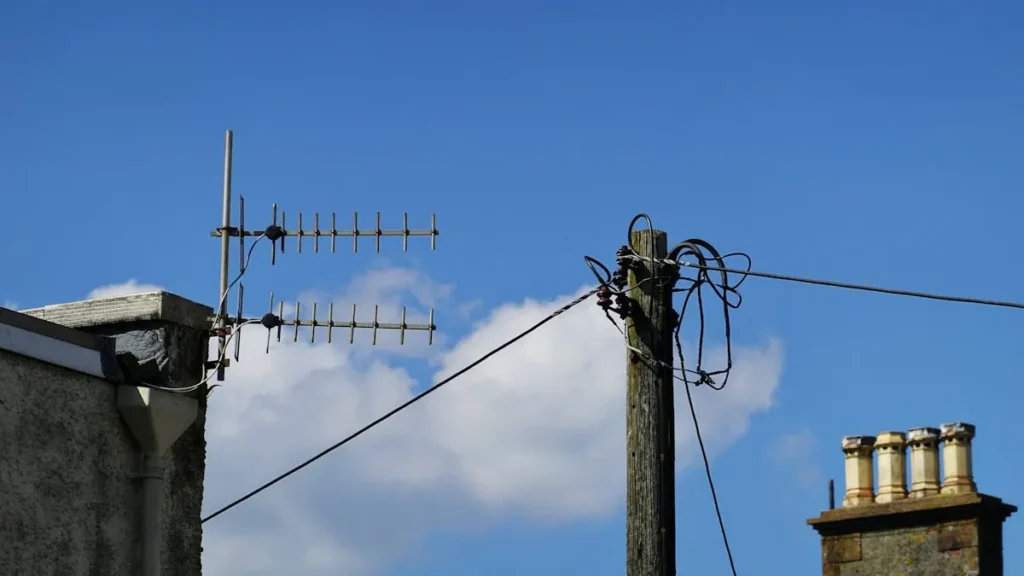
According to Freeview’s own cost page, all the channels are free, there is no contract, and the only payment is a one-off cost for equipment. Freeview says you can get “over 100 channels, all with no subscription”, and adds that the exact number depends on coverage at your address.
Three conditions come with that offer:
- an aerial that is in good condition;
- a TV licence;
- a Freeview Play TV or recorder if you want HD channels and catch-up in the same guide.
Freeview Play adds the on-demand side. Freeview’s help page says catch-up players such as BBC iPlayer, ITVX, 5 and UKTV Play sit inside the TV guide, and that on-demand viewing needs a broadband speed of at least 2 Mbps.
On the IPTV vs Freeview scorecard, that is a strong free baseline: the main UK channels, catch-up, and live television that keeps working when your broadband does not. Anyone weighing a subscription should start by asking what is missing from that baseline, not by reading what a subscription advertises.
What a Paid IPTV Subscription Adds, and What It Costs
A paid subscription replaces the aerial with a login. After you order, your login details arrive by email as an M3U link or Xtream Codes. You enter them in a player app such as IPTV Smarters Pro, TiviMate or SmartOne, and the channel list and on-demand library appear inside that app.
Here is what changes for the viewer in an IPTV vs Freeview household:
- No aerial required. Useful in flats where the communal aerial is poor, in rooms without an aerial socket, and in homes where the old roof aerial was never replaced.
- Screens without tuners. A bedroom TV with only HDMI and Wi-Fi, a tablet or a phone can all run a player app.
- A different line-up. Line-ups vary between providers. Check the channels that matter to you during a free trial rather than trusting a headline number, ours included.
- A regular cost. Unlike Freeview, you pay for a plan length and a number of devices.
These are our current subscription prices, as displayed on the pricing page on 3 November 2026:
- 1 device: 1 month £9.99, 3 months £23.99, 6 months £34.99, 12 months £49.99 (online checkout).
- 2 devices: 1 month £18, 3 months £44, 6 months £66, 12 months £95 (online checkout).
- 3 devices: 3 months £61, 6 months £91, 12 months £134 (ordered through WhatsApp).
- 4 devices: 3 months £90, 6 months £124, 12 months £182 (ordered through WhatsApp).
- 5 devices: 3 months £103, 6 months £156, 12 months £229 (ordered through WhatsApp).
Those are the only figures we quote. Prices can change, so the pricing page is always the reference before you order.
IPTV vs Freeview Side by Side, With Freely Added
The table includes Freely because many readers compare it at the same time. Freeview and Freely details come from their official websites; the right-hand column describes our own service.
| Question | Freeview | Freely | Our IPTV plan |
|---|---|---|---|
| How it arrives | Aerial | Broadband | Broadband |
| Monthly fee | None | None stated | Paid plan |
| Aerial needed | Yes | No (optional) | No |
| Broadband | 2 Mbps for on-demand | 10 Mbps or more | 16 Mbps recommended |
| Equipment | Freeview TV or box | Freely TV or device | TV, stick or box with a player app |
| TV licence for live TV | Yes | Yes | Yes |
Read the rows from the bottom up. The licence row is identical, so it cannot decide anything. The broadband row is where an IPTV vs Freeview choice is usually won or lost: a home on a slow line has no real decision to make, because only the aerial will work reliably.
Where Freely Fits Between the Two
Freely launched in 2024 and is run by Everyone TV, the organisation behind Freeview. On Freely’s own comparison page, it says the service needs no aerial, requires broadband of 10 Mbps or more, delivers more than 70 live channels including 35+ in HD, and can add Freeview channels to its guide if an aerial is connected.
Freely is built into a growing list of new smart TVs. That matters for the IPTV vs Freeview decision in two ways:
- If your problem is simply a bad aerial and you only watch the main free channels, Freely on a compatible TV may solve it with no monthly cost.
- If you want channels or on-demand content outside the free UK line-up, or a player app on a Firestick, Android box or phone, Freely does not change the answer. It is still the free line-up, delivered differently.
In other words, Freely moves free channels onto broadband; it does not turn free TV into a subscription service. Be honest about which of those two problems you are trying to solve before you spend anything.
The Kit and Connection Each One Needs
On the Freeview side
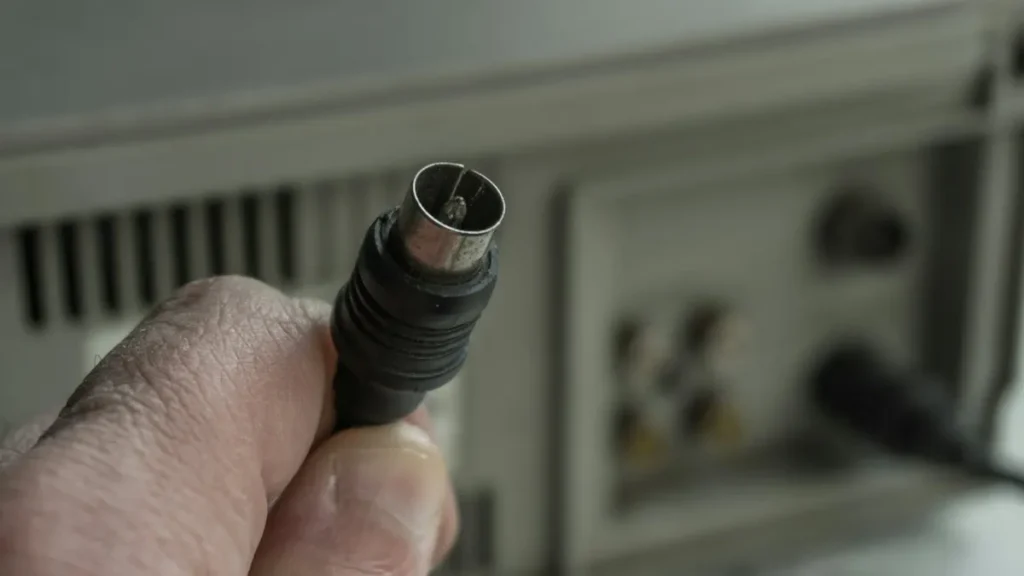
The coaxial lead runs from the aerial socket on the wall to the aerial input on the TV or recorder. When channels freeze, break into blocks or vanish, the usual suspects are the aerial itself, a loose or corroded plug, a damaged cable, or the coverage at your address. A retune from the TV’s settings menu is the first thing to try after any change.
On the IPTV side
Our FAQ recommends at least 16 Mbps for stable streaming. That is well above Freeview Play’s 2 Mbps for catch-up and above Freely’s 10 Mbps, because live channels stream continuously rather than in short bursts. A wired Ethernet connection to the TV or stick, or a strong 5 GHz Wi-Fi signal, often matters more than the headline speed on your broadband bill.
If you already stream and the picture keeps pausing, our guide to finding the cause of IPTV buffering walks through the checks to run before blaming the service.
One honest point in the IPTV vs Freeview comparison: an aerial keeps working during a broadband outage, and an IPTV subscription does not. Homes that rely on mobile data, or on a line that drops in the evening, should treat that as a deciding factor.
Keeping Both on One Television
Most UK televisions have a built-in digital tuner for Freeview and at least one HDMI port, so you do not have to pick one route per screen. A typical hybrid setup works like this:
- Leave the aerial lead connected to the TV’s aerial input and keep Freeview tuned in as normal.
- Plug a streaming stick or box into a free HDMI port, or use the TV’s own app store if it offers your chosen player.
- Install the player app and enter the login details from your subscription email.
- Use the TV’s Source or Input button to move between the built-in tuner (Freeview) and the HDMI input (your IPTV player).
- If your TV and stick both support HDMI-CEC, switching on the stick can move the TV to its input automatically.
This hybrid is the most practical answer to IPTV vs Freeview for a lot of households. Free channels stay one button away, the subscription covers the rest, and you keep a fallback: if the broadband goes down on a big evening, the aerial channels are still there.
Which Screens Get Which Service
In homes with several TVs, the IPTV vs Freeview decision is often made room by room rather than for the whole house.
The living room usually has the aerial socket, the biggest TV and the best connection. It can run both routes, as described above.
Bedrooms and kitchens often lack an aerial socket. Running new coaxial cable through walls is a job for an installer; plugging a streaming stick into a TV on Wi-Fi is not.
Phones and tablets have no Freeview tuner at all. Freeview says its mobile app needs an internet connection and a TV licence, and an IPTV player app works the same way away from the sofa.
Count the screens that will play at the same time before choosing a plan size. Our guide to choosing IPTV for multiple devices explains how to count them on your busiest evening.
Where Each Route Comes Out Ahead
Put plainly, here is where each side of IPTV vs Freeview wins.
- Freeview wins on cost, resilience during broadband outages, and simplicity for viewers who want the main UK channels and nothing more. A Freeview recorder also records free channels to its own drive.
- IPTV wins on flexibility of screens, independence from aerial reception, and access to whatever a subscription’s line-up includes beyond the free channels. Catch-up and recording features vary by provider and player app, so check them during a trial.
- It is a draw on picture quality. Both can deliver HD; what you actually see depends on the channel, your TV and, for IPTV, your connection on the night.
A useful way to frame IPTV vs Freeview is the cost of failure. When Freeview fails, you lose channels until the aerial or cable is fixed. When IPTV fails, you lose channels until the connection recovers. Which of those is more likely in your home?
Choosing a Plan If You Add IPTV
If the comparison leaves you adding a subscription, two choices remain: how long, and how many devices. A short plan is the sensible start. The 1 Month Subscription for one device costs £9.99 and lets you live with the service before committing to a longer plan.
Card names on pricing pages can be confusing, so our IPTV packages guide decodes each card, from plan length and device count to the order route, before you pay.
Two habits keep costs sensible in any IPTV vs Freeview household:
- Do not pay for more devices than will watch at the same time. Screens that only ever show Freeview channels do not need a subscription slot.
- Move to a longer plan only after a month in which the service worked on every screen you use.
A One-Week Test Before You Decide
Our homepage invites you to ask for a free trial on WhatsApp. Use it as a genuine IPTV vs Freeview test rather than a quick look around the menus:
- Watch your usual evening programmes on both routes, at the time of day you normally watch.
- Check that every channel you care about is in the line-up.
- Try the busiest hour of the week in your home, when others are streaming or gaming on the same broadband.
- Test every screen that would use the subscription, including the bedroom TV or tablet.
- Write down anything you would genuinely miss from Freeview, such as recordings on a Freeview recorder.
For more detail on running that week, our IPTV free trial guide covers what to check and what to ignore.
After ordering, our FAQ says activation usually takes between 15 minutes and 6 hours once payment is confirmed. Our refund policy asks customers to report non-working login details within 48 hours of purchase, which is one more reason to test properly before paying.
Five Questions That Settle IPTV vs Freeview
- Is your aerial reception reliable? If not, Freely and IPTV both remove the aerial from the equation; Freeview alone will keep frustrating you.
- Does Freeview already carry everything you watch? If yes, a subscription adds cost without adding value.
- Is your broadband at least 16 Mbps where the TV is? If not, fix the connection before paying for any IPTV service.
- Do you watch on screens without an aerial socket? If yes, an app-based service is the simpler route for those screens.
- Would a broadband outage leave you with nothing to watch? If yes, keep the aerial connected even after you subscribe.
Answering “yes” to questions 1, 3 and 4 and “no” to question 2 points towards adding a subscription. A clear “yes” to question 2 means Freeview is already doing its job, and that is a perfectly good result.
The TV Licence Applies to Both
GOV.UK states that you need a TV Licence if you watch or record live TV on any channel or service, or use BBC iPlayer. That applies equally to Freeview, Freely and IPTV, so neither side of the IPTV vs Freeview comparison saves you the licence. Whichever route you use, watch services and content you have the right to watch; a subscription does not change that responsibility.
IPTV vs Freeview: Keep the Aerial, Add What It Cannot Give You
Freeview is free, dependable and already in most living rooms. Its limits are the aerial, the line-up and the screens without a tuner. A paid IPTV subscription removes those limits at a monthly or yearly cost, and asks more of your broadband in return.
The cheapest sensible answer to IPTV vs Freeview is usually both: keep the aerial plugged in, test a subscription on the screens and channels Freeview does not cover, and only then choose a plan. If the trial shows Freeview already gives you everything, keep your money. If it shows a gap, you will know exactly which plan size fills it.