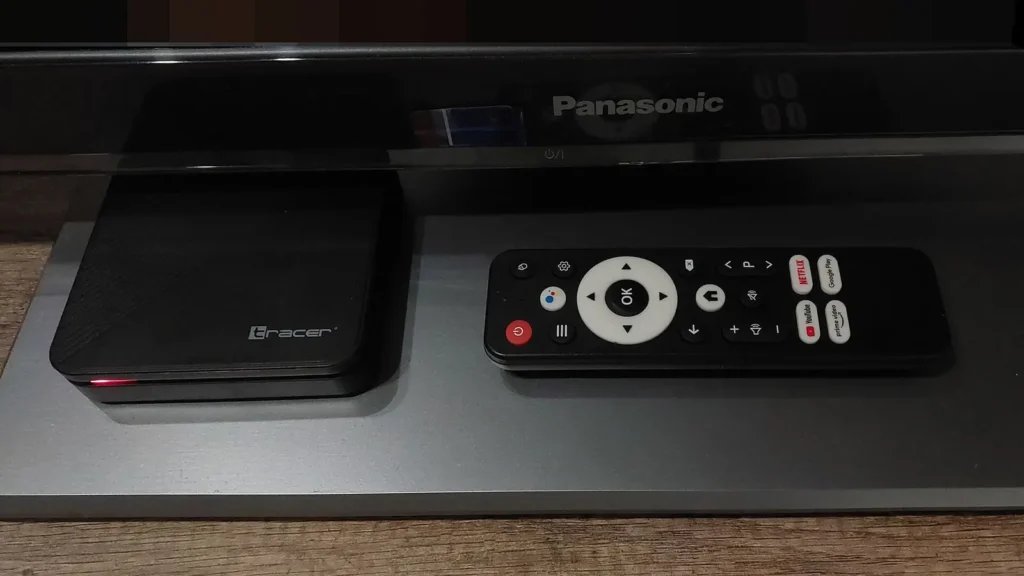
Ask which IPTV player is better and you will get confident answers in both directions. TiviMate fans point to its programme guide; Smarters users point to how easy it is to set up and to the number of devices it runs on. Both camps have a point. But TiviMate vs IPTV Smarters is the second question you should be asking, not the first. The first is simpler and more important: which of these apps can you install, from a source you trust, on the device you actually own?
Answer that, and the comparison often settles itself. This article starts with where each app comes from, then compares them on the things you will notice in your first week. It ends with a clear verdict for different kinds of household. Neither app supplies channels; both play the subscription you bring. Picking a service at the same time? Start with an overview of how British IPTV Sub delivers UK channels, then come back to the player question.
Where Each App Comes From Matters More Than Its Features
Most TiviMate vs IPTV Smarters comparisons skip this part. For UK viewers in 2026, it is often the deciding factor.
TiviMate: one developer, one official store
TiviMate is published on Google Play by Armobsoft FZE. Its official listing is unusually candid about what the app is for. It says TiviMate “is designed for Android TV and remote control navigation” and “is not optimized for touch devices such as phones or tablets”. It also states that the app “is a media player only and does not provide any content”, and that a paid upgrade “unlocks application features only”.
That clarity is useful. If you have an Android TV or Google TV device, you can install TiviMate from the official store in a minute. If you mainly watch on an iPhone, an iPad or a Samsung or LG television, TiviMate simply isn’t built for you.
IPTV Smarters: a brand that has been scattered
Smarters has a more complicated history. In December 2022, a court in Madrid ordered IPTV Smarters Pro to be removed from Google Play following a request by LaLiga, as reported by TorrentFreak. The report notes that the company behind the Smarters brand describes itself as a software developer that does not sell streams or content. Even so, the Android version that many older guides describe no longer has its official Google Play listing.
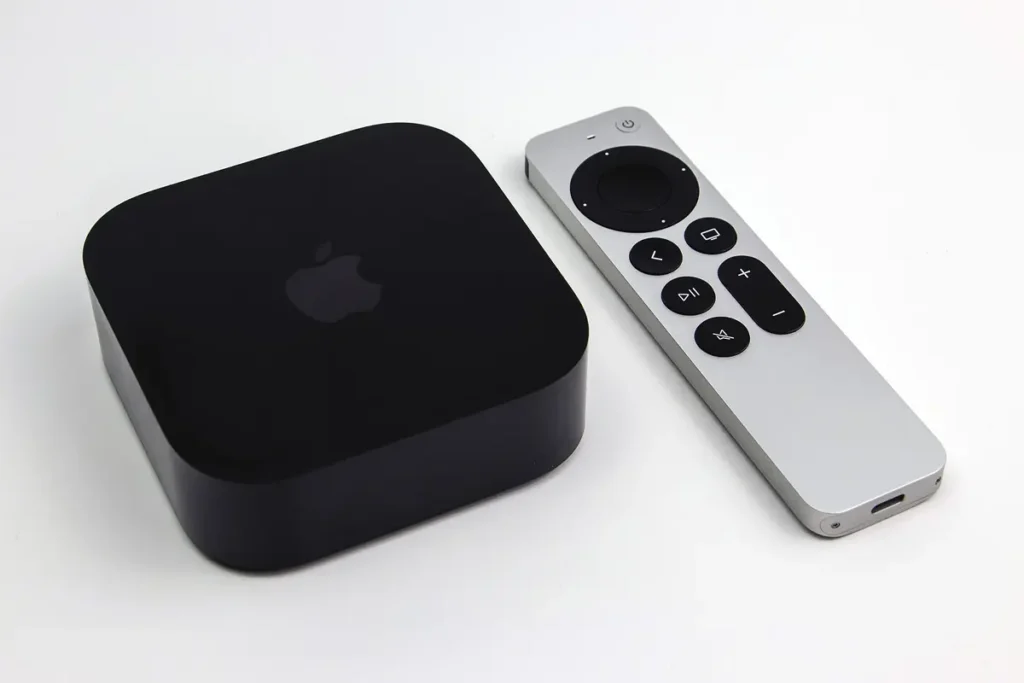
On Apple devices the picture is different. Smarters Player Lite, published by WHMCS SMARTERS, is listed on the UK App Store for iPhone, iPad and Apple TV. It is free with in-app purchases and requires iOS 15.6 or later. Like TiviMate, it describes itself as “strictly a standalone media player” that does not provide content.
The catch is the crowd of look-alikes. The App Store lists several apps with confusingly similar “Smarters” names from other developers, and one reviewer of the official app warns that “there are other apps pretending to be the same”. Before installing anything with Smarters in its name, check the developer field. For the official Apple version, it should read WHMCS SMARTERS.
TiviMate vs IPTV Smarters at a Glance
The table below sticks to what the developers’ own store listings state. Where something depends on version or device, it says so rather than guessing.
| What to compare | TiviMate | IPTV Smarters (Player Lite on Apple) |
|---|---|---|
| Official store | Google Play (Armobsoft FZE) | Apple App Store (WHMCS SMARTERS); the Pro app is no longer on Google Play |
| Built for | Android TV with a remote; not optimised for touch screens | iPhone, iPad and Apple TV |
| Programme guide | Central to the app, with catch-up and recording listed as features | Guide support added in version 1.4.0 |
| Extras listed by the developer | Multiple playlists, favourites, search, parental controls, multiview | M3U and JSON playlists, live TV, on-demand and audio playback |
| Cost model | Free to install; paid upgrade unlocks features | Free with in-app purchases |
| Provides channels? | No: media player only | No: standalone media player only |
What You Will Notice in the First Week
Feature lists flatten the differences that matter day to day. These are the areas where the TiviMate vs IPTV Smarters choice actually shows up on the sofa.
The guide: grid thinking versus menu thinking
TiviMate is built around the programme guide. Its design echoes the grid that Sky and Freeview viewers know: channels down the side, time across the top, and the current programme playing in a corner. If your household channel-hops through live TV the way it always has, that layout feels immediately familiar.
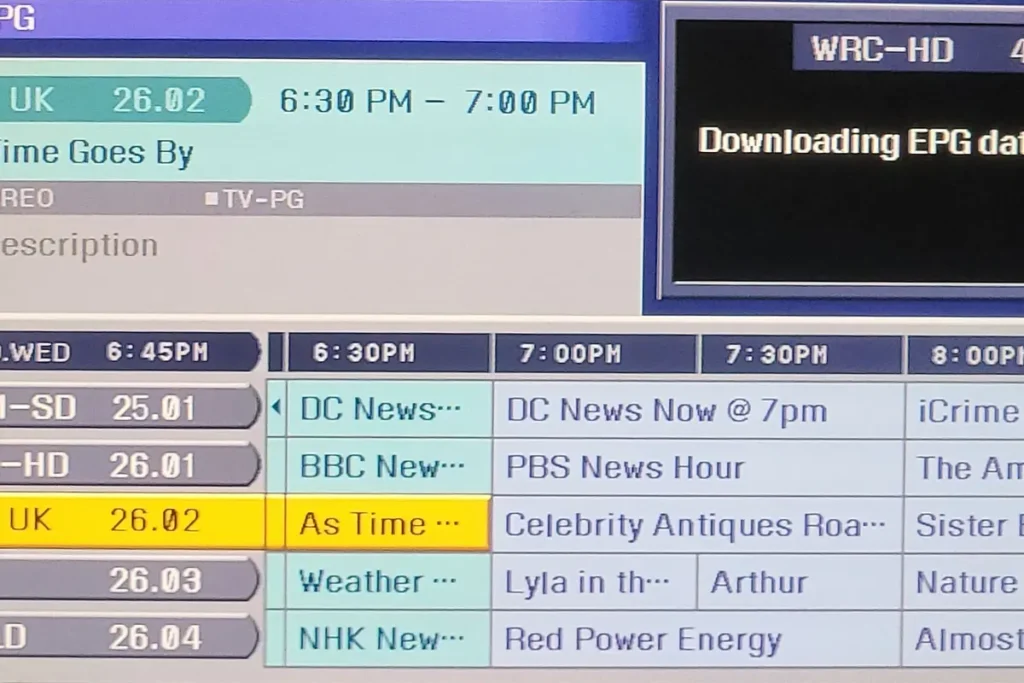
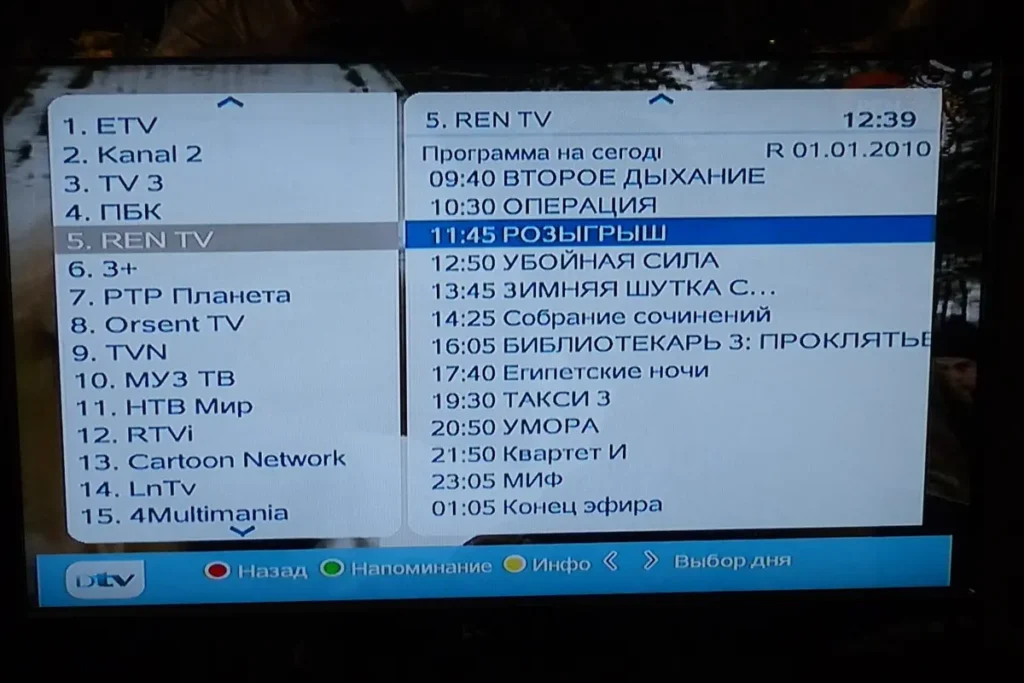
Smarters takes a more menu-led approach. You pick a section, such as live TV, films or series, then a category, then a channel. That suits people who mostly know what they want to watch, and it suits touch screens, where tapping through lists comes naturally. Its own App Store version history shows that a programme guide was integrated in version 1.4.0. Guide quality in either app still depends on the data your provider supplies.
Remote versus fingertip
This is where the developers’ own descriptions settle a lot of arguments. TiviMate states that it is designed for remote control navigation and is not optimised for phones or tablets. Smarters Player Lite is published for iPhone and iPad as well as Apple TV. If anyone in your house expects to watch in bed on a tablet or on a phone during the commute, that one fact probably matters more than any feature comparison.
Setting it up for the first time
Both players accept the standard login formats UK providers issue. Smarters lists M3U and JSON playlists, and both are widely used with Xtream Codes logins, which arrive as three short items rather than one long web address. Xtream details are generally easier to enter with a remote than a long M3U link. If your provider has sent both, start with the Xtream details; keep the M3U link as a fallback.
In practice, first-time setup is rarely what separates the two sides of TiviMate vs IPTV Smarters. What separates them is how they feel after a week of daily use, and that comes back to the guide and to the device.
Living with a large channel list
Big playlists make any player work harder. Whichever you choose, the most valuable habit is pruning: star the twenty or thirty channels you really watch and hide whole categories you never open. TiviMate lists favourites and playlist management among its core features. In a menu-led app like Smarters, favourites save you from tapping through the same categories every evening.
Recording and catch-up depend on more than the app
TiviMate lists catch-up and recording among its features, and people often treat that as the decisive point in the TiviMate vs IPTV Smarters debate. It’s worth understanding what those features rely on. Catch-up only works if your provider keeps an archive of past programmes for that channel; the player simply presents it. If the provider offers no archive, no player can conjure one.
Recording needs somewhere to put the files. Streaming sticks tend to have modest built-in storage, so regular recorders usually attach USB storage to an Android TV box that supports it. Recording also uses a stream, which can count against your subscription’s connection allowance while you watch something else. Before choosing a player for its recording features, ask your provider whether catch-up is available on the channels you care about and how many simultaneous connections your plan includes.
What You Pay For, and What You Don’t
On cost, TiviMate vs IPTV Smarters is closer than it looks: both apps are free to install and both offer paid options. What matters is what that money buys. TiviMate’s listing says plainly that a premium upgrade unlocks application features only. Smarters Player Lite is listed as free with in-app purchases. Neither payment gets you a single channel. Prices for in-app upgrades change and can vary by store and region, so check the current price inside the app rather than trusting a figure in an old article.
The content comes separately, from your IPTV subscription. That is where the meaningful spending decision sits: how many screens you need at once, and for how long. You can compare subscription plans by number of devices once you know which player each screen in the house will use.
One point that applies to both: these are legitimate media players, and their developers say so explicitly. The legal question belongs to whoever supplies your playlist, so choose a provider you are comfortable using within UK law.
Your TV Decides the TiviMate vs IPTV Smarters Question for You
For many households, the device has already made the choice:
- Android TV or Google TV box, or a TV running Google TV: TiviMate is installable from Google Play and plays to its strengths here. Smarters-branded apps on Google Play need careful checking, because the official Pro listing has gone.
- Apple TV, iPhone or iPad: TiviMate isn’t available. Smarters Player Lite from WHMCS SMARTERS is the official Smarters option.
- Fire TV: Fire TV devices don’t have Google Play, so TiviMate’s official store isn’t there, and newer sticks running Amazon’s Vega OS cannot install Android apps from outside Amazon’s Appstore at all. Amazon has moved its newest Fire TV Stick 4K to Vega OS. Check which model you have before planning around either player.
- Samsung or LG television: neither app is the usual route. Built-in TVs depend on players published in their own app stores, which we cover in our guide to setting up IPTV on a Samsung TV.
Mixed households are normal: an Android TV box in the lounge, an iPad upstairs. Nothing stops you running TiviMate on one and Smarters Player Lite on the other with the same subscription, provided your plan covers the number of screens in use at once. Our FAQ lists the players that work with our service if you want to check before you subscribe.
Installing Either Player Safely
Because both names are so heavily searched, both attract imitators. A few habits remove most of the risk, whichever side of TiviMate vs IPTV Smarters you land on.
- Read the developer name before you install. Armobsoft FZE for TiviMate on Google Play; WHMCS SMARTERS for Smarters Player Lite on Apple’s App Store.
- Prefer the official store over a download link. Store apps are signed, updated automatically and can be removed by the platform if they misbehave. An app file passed around on forums carries none of those protections.
- Be suspicious of permissions that don’t fit. A video player has no obvious need for your contacts or SMS messages.
- Never enter card details into an app you aren’t sure is genuine. Pay for upgrades through the store’s own payment system where possible.
The rules around installing apps from outside official stores are also tightening on Android. Google has begun developer verification for apps installed outside its store, starting in four countries in September 2026 with a global rollout planned from 2027. It is one more reason to favour players with a verified presence in an official store.
Switching Between Them Later
Choosing one player today doesn’t lock you in. Your subscription login is the same whichever app reads it, so moving from Smarters to TiviMate, or the other way, is mostly a matter of entering the same details in a new app. What doesn’t move across is everything you built inside the old app: favourites, hidden categories, layout preferences and any recordings. Allow half an hour to rebuild a favourites list properly, and the new app will feel like home far sooner.
If you run the old and new apps side by side while deciding, remember that each one playing a channel uses a connection. On a single-screen plan, close one app fully before testing the other, or you may mistake a connection-limit cut-out for a fault in the new player. That small detail trips up more TiviMate vs IPTV Smarters comparisons than any difference in the apps themselves.
Quick Answers
Is either app illegal? No. Both are media players, and both developers state that they supply no content. The legality question applies to the playlist you load, not the player.
Can I try both before deciding? On an Android TV device, yes. Install TiviMate from Google Play, add your login, and compare it with the other players your provider supports. On Apple devices, TiviMate isn’t an option, so the comparison is between App Store players.
Why do I see so many apps called “Smarters”? Because the name is widely imitated. Check the developer: WHMCS SMARTERS on the App Store. Be wary of anything that asks for an unexpected subscription the moment it opens.
Which is better for live sport? On an Android TV device, TiviMate has an edge on busy sporting weekends: its listing includes multiview, for watching several channels on one screen, and its grid makes it quick to see what’s on next. Smarters Player Lite’s App Store listing doesn’t mention multiview. For sport, TiviMate vs IPTV Smarters tilts towards TiviMate wherever TiviMate can be installed.
Which suits an older relative? Whichever runs on the device they already know. Someone comfortable with an iPad will find Smarters Player Lite’s tap-through menus natural. Someone who has used a satellite box for twenty years will find a guide-led app with a simple remote far less daunting. In that case, TiviMate vs IPTV Smarters comes down to the remote in their hand, and an Android TV box with TiviMate usually wins. Set up favourites for them before handing it over.
Does switching player fix buffering? Occasionally, if one app’s playback engine copes better with a particular stream. More often the cause is the connection or the provider, and changing player won’t help. Our guide to tracing IPTV buffering shows how to find out which.
Our Verdict
If your main screen is an Android TV or Google TV device and your household watches live TV the traditional way, TiviMate is the stronger fit. It comes from an official store, it is designed for a remote, and its guide-first layout rewards people who browse what’s on rather than search for it. If your household lives on Apple devices, or wants the same player on a phone, a tablet and the television, Smarters Player Lite is the practical choice. Just make sure you install the genuine one.
Put simply, the TiviMate vs IPTV Smarters debate has no universal winner. Each is better on its own home ground. Pick the device first, confirm the official app is available for it, and the decision that looks complicated in forum threads usually takes about thirty seconds.