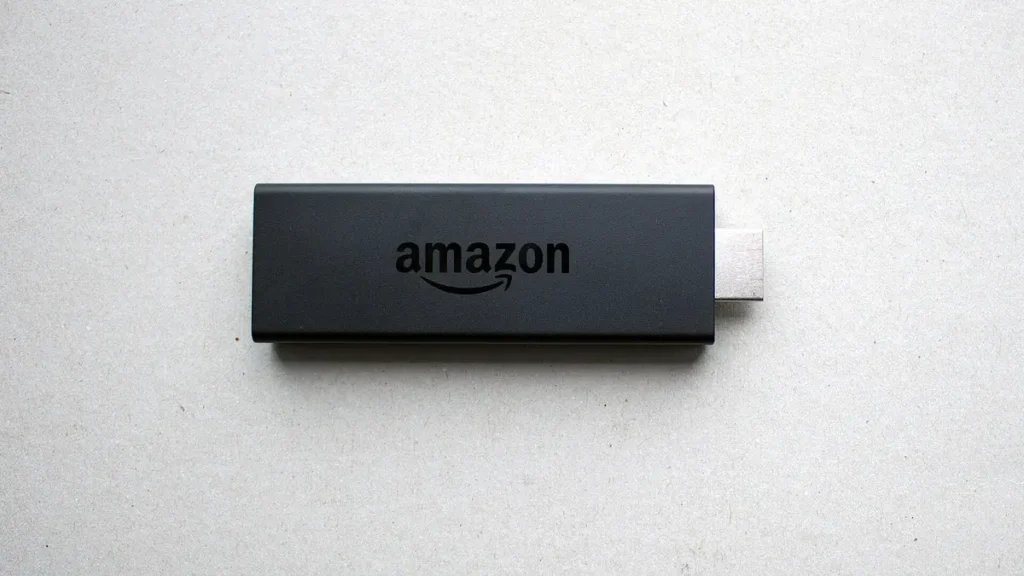
Search the Amazon Appstore on a Fire TV Stick for “VPN” and the free results look almost identical: a shield icon, a big connect button and a promise of privacy. What the listings rarely explain is how a free VPN for Firestick pays for itself, where its servers are, or what happens to live TV when the free allowance runs out. Those three details decide whether a free plan helps you or quietly makes your evenings worse.
This guide covers what a VPN really changes on a Fire TV Stick, the free plans from established providers that offer official Fire TV apps, how to install one safely from the Appstore, and the limits that matter for UK viewers who stream live TV. Every plan detail below comes from the providers’ own pages, checked on 30 October 2026. We sell IPTV subscriptions, and the British IPTV Sub homepage explains what ours includes; we do not sell VPNs and have no commercial link with any provider mentioned here.
What a VPN Changes on a Fire TV Stick, and What It Doesn’t
A VPN app creates an encrypted tunnel between your Fire TV Stick and a server run by the VPN company. Websites and streaming services then see the server’s internet address instead of your home connection, and your broadband provider sees encrypted traffic going to that server rather than the individual services you use.
What it changes:
- Your broadband provider can no longer see which services the stick connects to, only that it talks to a VPN server.
- On shared or public Wi-Fi, such as a hotel, holiday let or student house, other people on the network cannot read your traffic.
- The services you use see the VPN server’s location, which may be in another country.
What it does not change:
- The law. Using a VPN is legal in the UK, but it does not make it lawful to watch anything you are not entitled to watch.
- The rules of each service. Your subscriptions’ terms still apply, and some services restrict access from VPN addresses.
- Your speed, except for the worse. Every byte now travels via an extra server and is encrypted, so the best a VPN can do is cost you very little.
That last point matters more than any other for live television, and it is why the choice of a free VPN for Firestick should start with a question: what problem are you actually solving? Privacy on a shared network is a good reason. “Making the stream faster” usually is not. Be clear about which one you are after before you install a free VPN for Firestick, because the answer changes which plan makes sense.
Two Free Plans With Official Fire TV Apps
Plenty of apps call themselves free. Far fewer come from companies that publish their free-plan limits, explain how the free tier is funded and offer a Fire TV app through the Amazon Appstore. Two established providers meet all three tests, and their free plans are built very differently.
| Free plan | Data | Devices | Locations | Fire TV app |
|---|---|---|---|---|
| Proton VPN Free | No data limit | 1 | Automatic; 10 countries, no UK | Fire OS and Vega OS |
| Windscribe Free | 2 GB a month, 10 GB with a confirmed email | Unlimited | 10 countries | Fire OS (Appstore) |
Proton VPN Free
Proton’s free plan page says the free tier has no data limit, shows no adverts, follows the same no-logs policy as the paid plans and is “supported by paying users”. The trade-offs are elsewhere: one device per account, no choice of server (the app connects you to the best available location automatically), and no streaming support, which Proton reserves for paid plans.
Proton’s Vega OS help page lists the free server countries: the Netherlands, Japan, Romania, Poland, Norway, Switzerland, Singapore, Mexico, Canada and the United States. The UK is not on the list, and that has consequences explained in the next section.
Windscribe Free
Windscribe takes the opposite approach: a monthly data allowance instead of an unlimited single connection. Its free-plan help article gives 2 GB a month on a new account and 10 GB a month once you confirm an email address. Windscribe’s own Fire TV page estimates 10 GB at roughly four to five hours of HD video, and its free servers cover 10 countries with no limit on the number of devices, which tells you straight away that a data-capped free VPN for Firestick was never designed for nightly television.
Why Server Location Matters for UK Viewers
When your Fire TV Stick connects through a server in Amsterdam or Oslo, every service you open believes you are there. For UK viewers that creates two practical problems with a free VPN for Firestick. Both free plans above route you through a limited set of overseas locations, so neither problem can be solved by picking a server in Manchester.
UK apps may stop working. Catch-up and streaming apps that serve UK audiences check where a connection appears to come from. Proton itself notes that some streaming services limit access from addresses associated with free VPN servers. If BBC iPlayer, ITVX or a paid app suddenly refuses to play, the VPN is the first thing to switch off.
Live streams travel further. A live channel delivered to a UK home, then routed out to a server in another country and back, takes a longer path than it needs to. On a strong connection you may not notice. On a modest one, it is the difference between a smooth picture and a spinning wheel during the second half.
If you subscribe to an IPTV service, check what your provider says about VPN use before you turn one on, and compare that with the device and connection guidance on our IPTV subscription plans page. Our own FAQ recommends a connection of at least 16 Mbps for streaming, measured where the stick actually is rather than next to the router.
Check Which Fire TV System You Have First
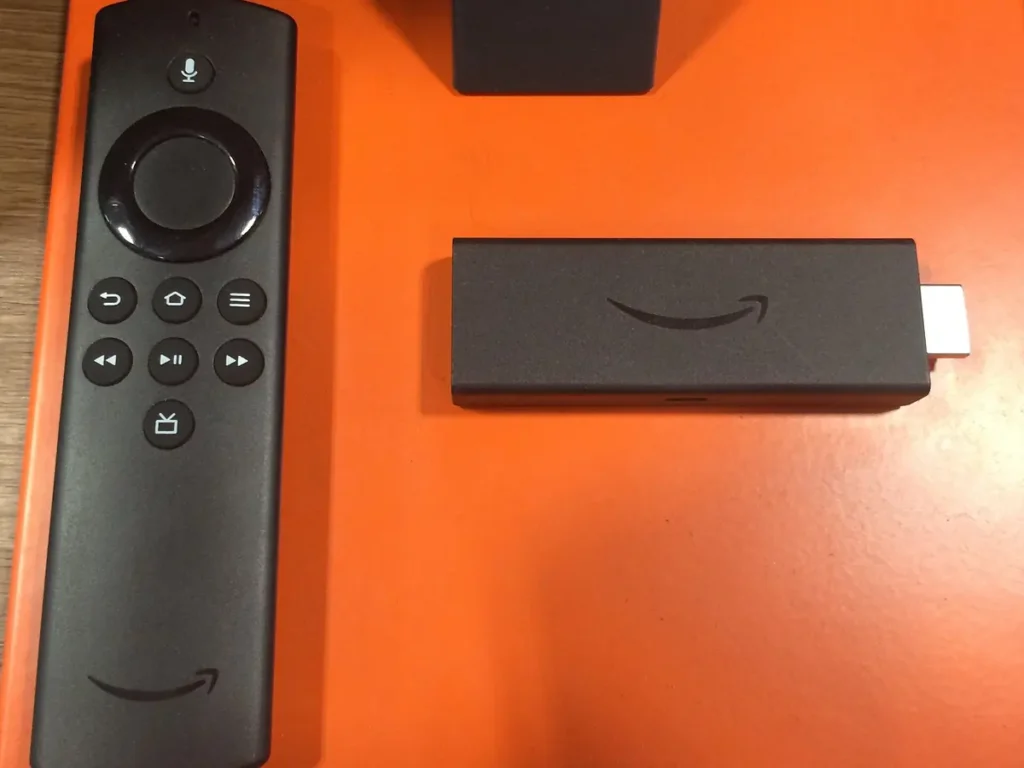
Amazon now ships two operating systems on its sticks. Most Fire TV Sticks run Fire OS, which is based on Android. Some newer sticks run Vega OS, a different system on which Android apps cannot be installed. A free VPN for Firestick has to exist in a version for your system, so check before you search.
- Press Home on the remote.
- Open Settings > My Fire TV > About.
- Look for “Fire OS” or “Vega OS” followed by a version number.
Proton’s Vega OS guide gives a shortcut: model names containing “Select”, and HD sticks that support Wi-Fi 6, run Vega OS, while the Fire TV Stick 4K, 4K Plus and the HD stick without Wi-Fi 6 run Fire OS. Amazon has no plans to convert existing Fire OS devices. If you are not sure which stick you own, our guide to identifying your Firestick 4K model walks through the generations and what each one runs.
Proton offers a separate Vega OS app. For any other provider, check its help pages for Vega OS support before you create an account; a Fire OS app will not install on a Vega stick, whatever a third-party website suggests.
Installing a Free VPN for Firestick From the Appstore
Install VPN apps from the Amazon Appstore only. A VPN sees everything your stick sends and receives, so an app downloaded from a random website is the riskiest thing you could put on the device. Both providers above describe the same Appstore route.
- On the Fire TV home screen, go to Find, then Appstore, or select the magnifying glass.
- Type the provider’s name, for example “proton vpn” or “windscribe”, and open the official listing. Check the developer name matches the company.
- Select Get or Download, wait for the install, then open the app.
- Sign in. Proton offers a QR code or an eight-digit code you enter at protonvpn.com/firetv on your phone; Windscribe’s “Lazy Login” shows a code you confirm in its phone app or a browser. Both save you typing a password with the remote.
- Press Connect. On the first connection, the stick asks permission to set up a VPN connection; select Allow.
- Open one of your usual apps and play something for a few minutes before you settle in for the evening.
Once the free VPN for Firestick is installed, it appears in your apps row like any other app. Look through its settings for any connect-on-start option, so you always know whether the tunnel is on when you open a live channel.
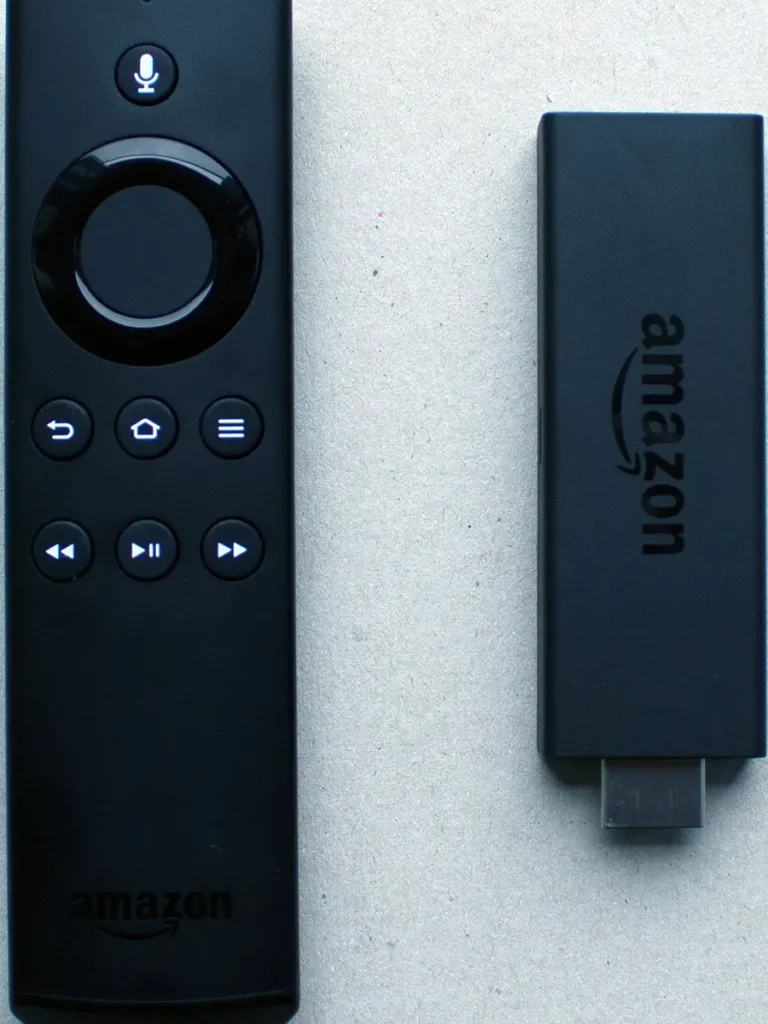
Voice search through the remote’s microphone button can find apps too, but Proton’s own Fire TV install guide describes it as unreliable for this and recommends going through Find and the Appstore instead. The same guide notes that its Fire OS app needs Fire OS 7 or later.
Windscribe’s Fire TV setup article also lets you send the app to the stick from its website using the Amazon button, which can be easier than typing on the TV.
The Free VPN Apps to Leave Alone
Running a VPN network costs real money. When a free app has no paid tier, no published company details and no explanation of how it is funded, the user is usually the product. That is not guesswork: a 2016 academic study of 283 Android apps that use the Android VPN permission, by researchers from CSIRO, ICSI, UC Berkeley and others, found apps using insecure tunnelling, leaking traffic outside the tunnel, intercepting encrypted connections and injecting tracking and advertising code. The paper’s abstract summarises the findings. Fire OS is built on Android, so the same kinds of app can reach a Fire TV Stick. The safest free VPN for Firestick is therefore one made by a company you can name, with a paid plan that funds the free one.
Before you install any free VPN for Firestick that is not one of the two above, walk away if you see any of these signs:
- No company behind it. No registered business name, address or privacy policy you can read before installing.
- No explanation of funding. If there is no paid plan and no stated reason the service is free, assume your data pays for it.
- “Unlimited everything, forever.” Unlimited data, every country and no catch is not a business model anyone can sustain.
- Installed from outside the Appstore. A download link on a forum or a video description bypasses the store’s checks completely.
- Permission requests that make no sense. A VPN on a TV stick has no need for your contacts or microphone.
Data Caps and Live Television
Live TV is the most data-hungry thing most households do. That is why a data-capped free VPN for Firestick suits occasional use far better than an evening routine.
Using Windscribe’s own estimate of four to five hours of HD video for 10 GB, a single long sports afternoon could use most of a month’s free allowance. When the allowance runs out, the free tunnel stops working until the next month, and whatever was routed through it either drops back to your normal connection or stops, depending on the app’s settings.
Proton’s free plan avoids the cap but puts the limit on choice instead. You cannot pick a UK server, you get one device per account, and Proton does not offer streaming support on the free tier. For browsing on a hotel network that is perfectly reasonable. For a household that wants the VPN on all evening, it rarely is. If you find yourself hitting either limit every week, that is the moment to decide whether a free VPN for Firestick is still the right tool.
A useful habit: treat the VPN as a switch, not a permanent setting. Turn it on for the situations that need it, such as unfamiliar Wi-Fi, and turn it off at home when you sit down to watch live TV.
Speed, Buffering and the Kill Switch
If live channels buffer with the VPN on, the fastest diagnosis is also the simplest: switch it off and watch the same channel for ten minutes. If the picture settles, the VPN route is the bottleneck, not your stick or the service. Test any free VPN for Firestick this way on an ordinary evening, well before you rely on it for a big match.
- Distance: a free plan that sends you to North America or Asia adds a long round trip to every second of video.
- Crowding: free servers are shared by everyone on the free tier, and evenings are when they are busiest.
- The stick itself: encryption takes processing power, and older, entry-level sticks have the least to spare.
- Wi-Fi: a VPN cannot fix a weak signal behind the television. Fix the signal first.
Proton lists a kill switch among its free features. A kill switch blocks traffic when the VPN connection drops, so nothing leaks outside the tunnel. On a TV stick that also means a live stream stops dead when the tunnel wobbles; if your picture freezes and the app shows “disconnected”, that is the kill switch doing its job.
When buffering persists with the VPN off, the cause is somewhere else entirely. The IPTV buffering diagnosis guide works through the stick, the Wi-Fi, the broadband line and the service one at a time.
A VPN on the Router Instead of the Stick
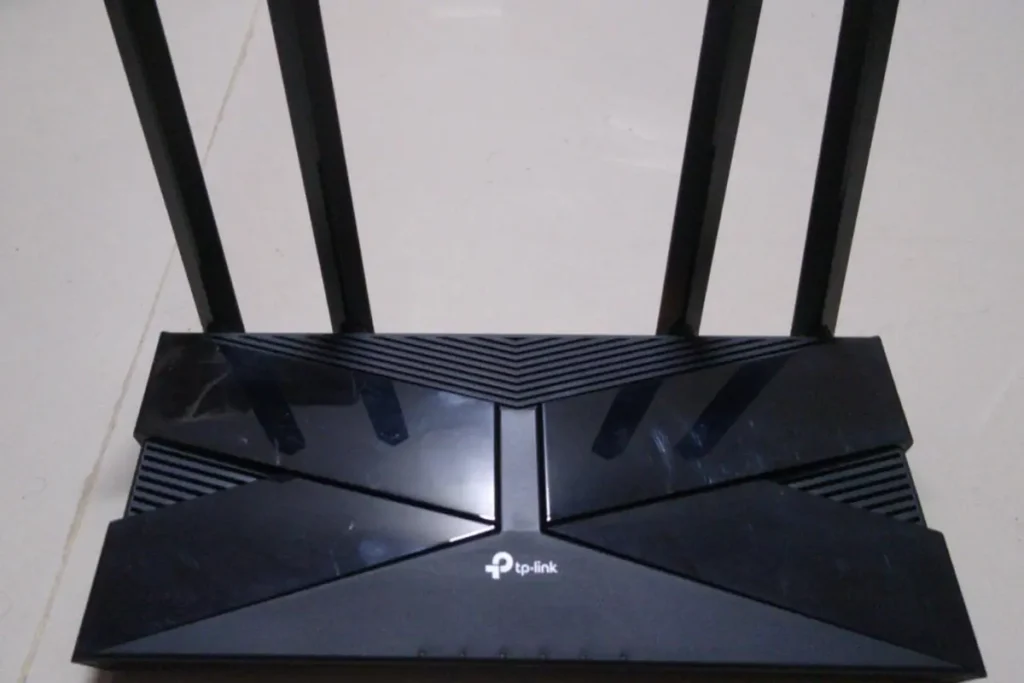
Some routers can run a VPN connection themselves, so every device in the house goes through the tunnel without installing anything on the TV. It sounds tidy, and for some households it is. For anyone considering a free VPN for Firestick, it is usually the wrong place to start.
Free plans are not built for it. A router connection counts as one device, but it then carries the whole household’s traffic: phones, laptops, consoles and every TV. A monthly data cap disappears in a day, and an automatically chosen overseas server affects everyone at once.
Many broadband routers cannot do it. Routers supplied by UK broadband providers often have no VPN client setting at all. Check your router’s manual before buying anything.
You lose the off switch. On the stick, you can turn the VPN off for one live match. On the router, turning it off means changing settings for the whole home. Keeping a free VPN for Firestick on the stick itself leaves that choice with whoever is holding the remote.
When a Free VPN Stops Making Sense
A free VPN for Firestick exists so you can try a provider before paying. They are not a hidden premium tier, and three situations tend to show where the line is.
You want it on every evening. A data cap or an overseas server will cost you more in frustration than a paid plan costs in money. Either pay for a plan that includes UK servers and streaming support, or leave the VPN off at home.
You have more than one TV. Proton’s free plan covers one device. A second Fire TV Stick in the bedroom means signing out of the first, or paying.
You travel with the stick. This is where a free plan earns its place. Plugging a Fire TV Stick into a hotel or holiday-let television puts it on a network you do not control, and an encrypted tunnel is a sensible precaution for an evening or two.
Whichever you choose, the player apps on the stick work the same way with or without a VPN. If you are still setting those up, the IPTV player guide explains how to choose one and enter your login details.
Questions People Ask About a Free VPN for Firestick
Is it legal to use a VPN on a Fire TV Stick in the UK?
Yes, using a VPN is legal in the UK. What you watch through it is a separate question: a VPN does not make unauthorised streams lawful, and each service’s own terms still apply.
Will a free VPN for Firestick stop my live TV buffering?
Very rarely. A VPN adds a step to the route, so it usually costs a little speed rather than adding any. The only exception is a broadband provider that deliberately slows certain traffic, and even then a crowded free server can cancel out the benefit.
Can I use one free account on two sticks?
Not with Proton’s free plan, which allows one device. Windscribe’s free plan allows unlimited devices on one account, but the monthly data allowance is shared across everything signed in to it.
Do I need to sideload a VPN?
No. The providers covered here publish their Fire TV apps through the Amazon Appstore, and Proton’s current guide uses the Appstore route rather than sideloading. On a Vega OS stick, Android apps cannot be sideloaded at all.
Free, Paid or None at All?
None, if you watch at home on your own broadband and simply want live TV to play smoothly. That is most households, most evenings.
Free, if you want privacy on networks you do not control and use it as a switch rather than a setting. Choose a free VPN for Firestick from a provider that publishes its limits and funding, install it from the Appstore, and check first whether your stick runs Fire OS or Vega OS.
Paid, if you want the tunnel on every evening, on more than one TV, or through a UK server. At that point the free tier has done its job: it let you see whether the provider works on your stick before you spend anything.